


Table of Contents
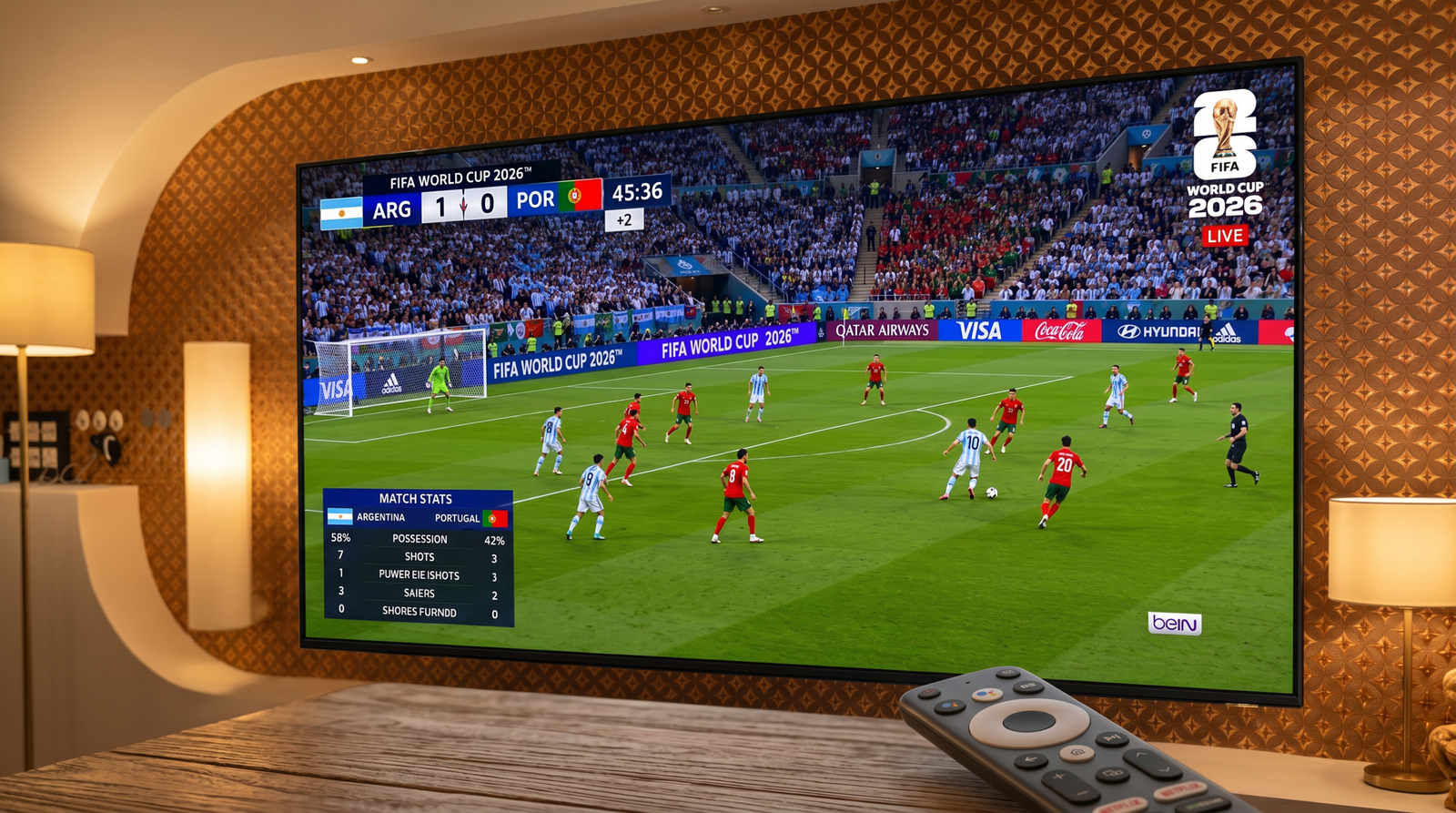
The World Cup 2026 Live Streaming experience becomes more exciting than ever once the knockout rounds begin. Every match can decide a nation’s fate, making the Round of 16, Quarter-finals, Semi-finals, and Final the most anticipated fixtures of the tournament.
Millions of supporters from around the world tune in simultaneously. That enormous demand can overload many streaming platforms, causing buffering, lower video quality, and frustrating interruptions during the most important moments of a match.
Whether you plan to watch on an Android phone, Android TV, Google TV, Fire TV, or a Smart TV, preparing your setup in advance can make a huge difference.

Why World Cup 2026 Live Streaming Requires Proper Preparation
The knockout stage attracts the largest global audience of the competition. Unlike the group stage, every game becomes a winner-takes-all battle, encouraging millions of additional viewers to watch live.
As a result, many streaming platforms experience:
- Heavy server traffic
- Longer loading times
- Frequent buffering
- Reduced video resolution
- Delayed live broadcasts
- Unexpected stream interruptions
These issues are especially noticeable just before kickoff and during high-profile matches.
Fortunately, most of these problems can be minimized with the right preparation.
Why Standard Streaming Platforms Sometimes Struggle
Many viewers assume the problem is always their internet connection.
In reality, overloaded streaming servers are often responsible for buffering during major sporting events.
When millions of fans request the same live feed simultaneously, some providers cannot maintain consistent performance.
Typical symptoms include:
- Video freezing every few minutes
- HD quality automatically dropping to SD
- Audio becoming out of sync
- Long delays compared to live television
- Complete stream crashes during important moments
Choosing a platform built to handle high traffic is just as important as having fast internet.
How to Build the Perfect Streaming Setup
Use a Fast Internet Connection
A stable connection is the foundation of quality streaming.
Recommended download speeds include:
- 15 Mbps for Full HD
- 30 Mbps or higher for multiple devices
- 50 Mbps+ for 4K streaming
Running a speed test before kickoff helps identify connection issues early.
Prefer Ethernet Whenever Possible
If your Smart TV supports Ethernet, use a wired connection instead of Wi-Fi.
A cable connection generally provides:
- Lower latency
- Greater stability
- Fewer interruptions
- More consistent HD quality
Restart Your Router
Restarting your router before major matches refreshes the connection and often improves overall performance.
It only takes a few minutes but can noticeably reduce buffering.

Best Devices for Watching the Knockout Stage
Modern streaming services support nearly every popular device.
Excellent options include:
Android Smartphones
Android phones remain one of the most convenient ways to enjoy live football anywhere.
Keep your streaming application updated for the best compatibility.
Android TV & Google TV
These devices provide an excellent balance of performance and ease of use.
They also support Full HD and 4K on compatible televisions.
Samsung and LG Smart TVs
Most recent Smart TVs include powerful processors capable of delivering smooth football streaming when paired with a reliable service.
Streaming Devices
Devices such as Chromecast, Fire TV Stick, and similar streaming hardware provide another excellent option for watching the tournament on larger screens.
World Cup 2026 Live Streaming: Choosing a Reliable Provider
The quality of your streaming provider often matters more than the speed of your internet connection.
Reliable services invest in stronger infrastructure, faster servers, and better content delivery systems capable of supporting millions of simultaneous viewers.
For viewers looking for dependable World Cup 2026 Live Streaming, strong iptv service has become a popular option for those who value stability, HD picture quality, and minimal buffering during major football events.
Before selecting any streaming platform, look for:
- Stable servers
- HD and 4K support
- Wide device compatibility
- Fast channel loading
- Consistent uptime during peak viewing hours
How to Watch on Android and Smart TV
Getting started is usually straightforward.
Step 1: Update your television or Android device to the latest software version.
Step 2: Install your preferred streaming application.
Step 3: Connect to a stable internet connection.
Step 4: Close unnecessary background applications.
Step 5: Open the stream several minutes before kickoff to verify everything is working properly.
These simple steps significantly improve the viewing experience.

Extra Tips for Uninterrupted Football Streaming
Small adjustments can have a surprisingly large impact.
Some useful recommendations include:
- Restart your device before every important match.
- Pause large downloads while streaming.
- Keep only one active stream running.
- Position your Wi-Fi router in an open area.
- Use the 5 GHz Wi-Fi band if available.
- Keep your streaming application updated.
These practices help maintain smooth playback throughout the tournament.
Stay Updated Throughout the Tournament
The knockout stage moves quickly, with each round reducing the number of remaining teams.
You can also follow football news, previews, and match analysis through BBC Sport:
For official fixtures, schedules, and tournament news, visit FIFA’s official website.
You can also follow football news, previews, and match analysis through BBC Sport.
For additional streaming guides and tutorials, see Guides:
Frequently Asked Questions
Can I watch the World Cup on a Smart TV?
Yes. Most Samsung, LG, Android TV, Google TV, and other modern Smart TVs support live football streaming through compatible applications.
What internet speed is recommended?
At least 15 Mbps is recommended for Full HD, while higher speeds provide better stability if multiple devices are connected.
Why does buffering happen during knockout matches?
Buffering is often caused by overloaded streaming servers, local network congestion, or unstable internet connections.
Is Ethernet better than Wi-Fi?
Yes. Wired Ethernet connections usually provide lower latency and more stable video quality than wireless networks.
Conclusion
The knockout rounds represent the most exciting chapter of the tournament. Every goal, penalty, and dramatic finish deserves to be watched in the highest possible quality without interruptions.
Preparing your internet connection, updating your devices, and choosing a dependable streaming platform can dramatically improve your viewing experience. Whether you’re following the Round of 16, Quarter-finals, Semi-finals, or the Final, a little preparation ensures you spend less time dealing with buffering and more time enjoying world-class football.
Get your setup ready before kickoff so you never miss a defining moment of the World Cup 2026.
Discover more from PureMods: Trusted Source for Easy Access to APKs, Game Mods, and Offline Fun
Subscribe to get the latest posts sent to your email.